Answers
For How to Turn a Vague Idea into a Professional Logo Brief Using AI, prepare brand name, industry, style, colors, audience, and usage context. Keep a clear decision boundary before acting on the result.
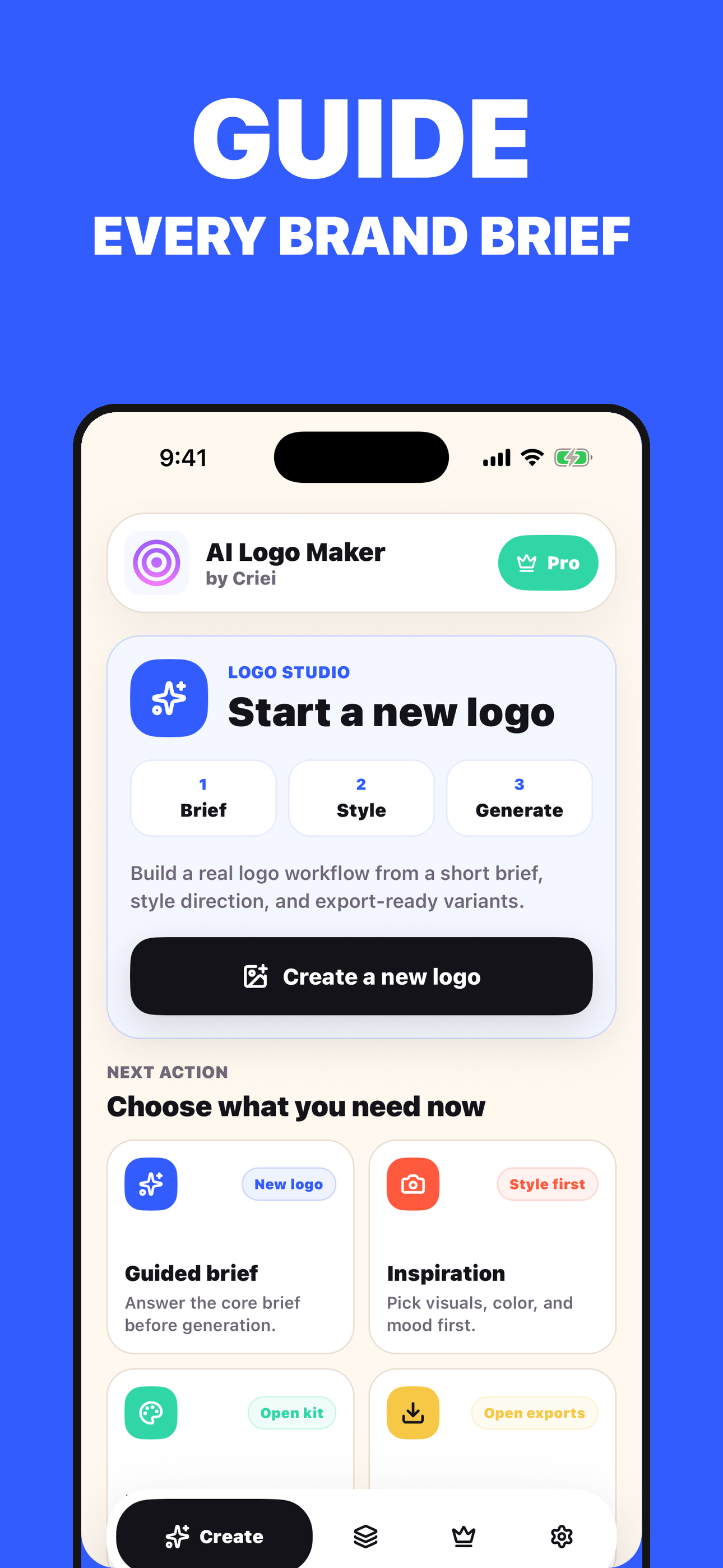
Criei can support this workflow: create a logo brief and generate logo drafts. Review the result against brand clarity, style consistency, contrast, legibility, and export needs.
Key takeaways
- Focus on brand intent and business goals rather than just aesthetics.
- Translate abstract moods into specific visual styles like 'minimalist geometry'.
- Use an iterative chat process to refine your brief before generating final drafts.
- Keep designs simple to ensure they are legible across all digital platforms.
The Frustration of the Blank Prompt Box
Most founders start their branding journey with a clear feeling but a blurry vision. You know your brand is energetic, modern, or trustworthy, but when you sit down to describe that to an AI or a freelance designer, the words often fail to capture the nuance. Simply typing make a cool logo for a coffee shop usually results in generic, uninspired clip art because the prompt lacks the structural integrity of a professional brief.
The gap between a creative spark and a usable visual direction isn't filled by better software, but by better communication of intent and constraints.
In practice, that means slowing down long enough to give Criei the context a human would ask for: what you are trying to decide, what details are visible, and what kind of next step would be useful.
Deconstructing the Anatomy of a Successful Logo Brief
A professional-grade brief acts as a bridge between business goals and visual aesthetics by focusing on three pillars: personality, competition, and application. Instead of describing what you want the logo to look like, start by describing what you want the brand to achieve. A brief should specify the brand's core archetype, the specific emotions you want to trigger in a customer, and the physical or digital environments where the logo will live most frequently.
By defining these parameters first, you narrow the field of possibility from infinite and overwhelming to focused and intentional.
A useful session should reduce uncertainty, preserve the evidence behind the result, and make the next action easier to choose. More screens do not help when the underlying context is incomplete.
From Abstract Adjectives to Visual Variables
The secret to moving from a chat prompt to a brief lies in translating abstract adjectives into visual variables like weight, symmetry, and color theory. If you say your brand is bold, that could mean thick sans-serif typography or high-contrast color palettes. If you say it is organic, that implies fluid lines and asymmetrical shapes.
When working with AI tools, it is more effective to describe the physical attributes of the design; such as flat vector, minimalist geometry, or vintage woodblock; rather than just the mood. This level of specificity helps the AI understand the stylistic boundaries of your industry.
Criei helps users create a logo brief and generate logo drafts, but the result should still be checked against the user's own context and any professional boundary that applies.
Iterative Refinement and the Role of AI Chat
Creating a logo is rarely a linear process; it is a cycle of generation and critique. Using an interactive chat interface can help you pressure-test your ideas before you commit to a final draft. You can use a conversational approach to ask questions like what symbols represent growth without using a leaf?
or how can I make a tech logo feel more human? Tools like Criei are specifically designed for this middle ground, acting as a collaborative partner that helps creators move from a rough brand concept to a structured brief and eventually to visual drafts that can be used as a foundation for further design work.
The best repeat users build a small history. Saved sessions, notes, screenshots, or previous results make future decisions faster because the app has a clearer personal reference point.
Avoiding the Common Pitfalls of AI Logo Generation
One major mistake is over-complicating the design by asking the AI to include too many metaphors in a single mark. A professional logo should be legible at the size of a favicon and impactful on a billboard, which requires simplicity. Another trap is ignoring the cultural context of colors and symbols; what feels premium in one market might feel budget in another.
Always treat AI-generated drafts as a starting point or a mood board rather than a finished product. The goal of a good brief is to provide enough direction to get a high-quality prototype that you can then refine, polish, or take to a professional designer for final execution.
In practice, that means slowing down long enough to give Criei the context a human would ask for: what you are trying to decide, what details are visible, and what kind of next step would be useful.
Taking the Next Step with Your Visual Direction
Once you have successfully translated your chat prompts into a coherent brief and generated your initial drafts, the next phase is validation. Show your concepts to potential customers without explaining them and ask what three words come to mind. If their answers align with your original brief, you have a winner.
If you are ready to start this process today, you can explore the Criei app on the App Store or Google Play to begin building your logo brief through an intuitive, AI-guided experience that bridges the gap between your idea and a professional visual direction.
A useful session should reduce uncertainty, preserve the evidence behind the result, and make the next action easier to choose. More screens do not help when the underlying context is incomplete.
Product moments: Criei
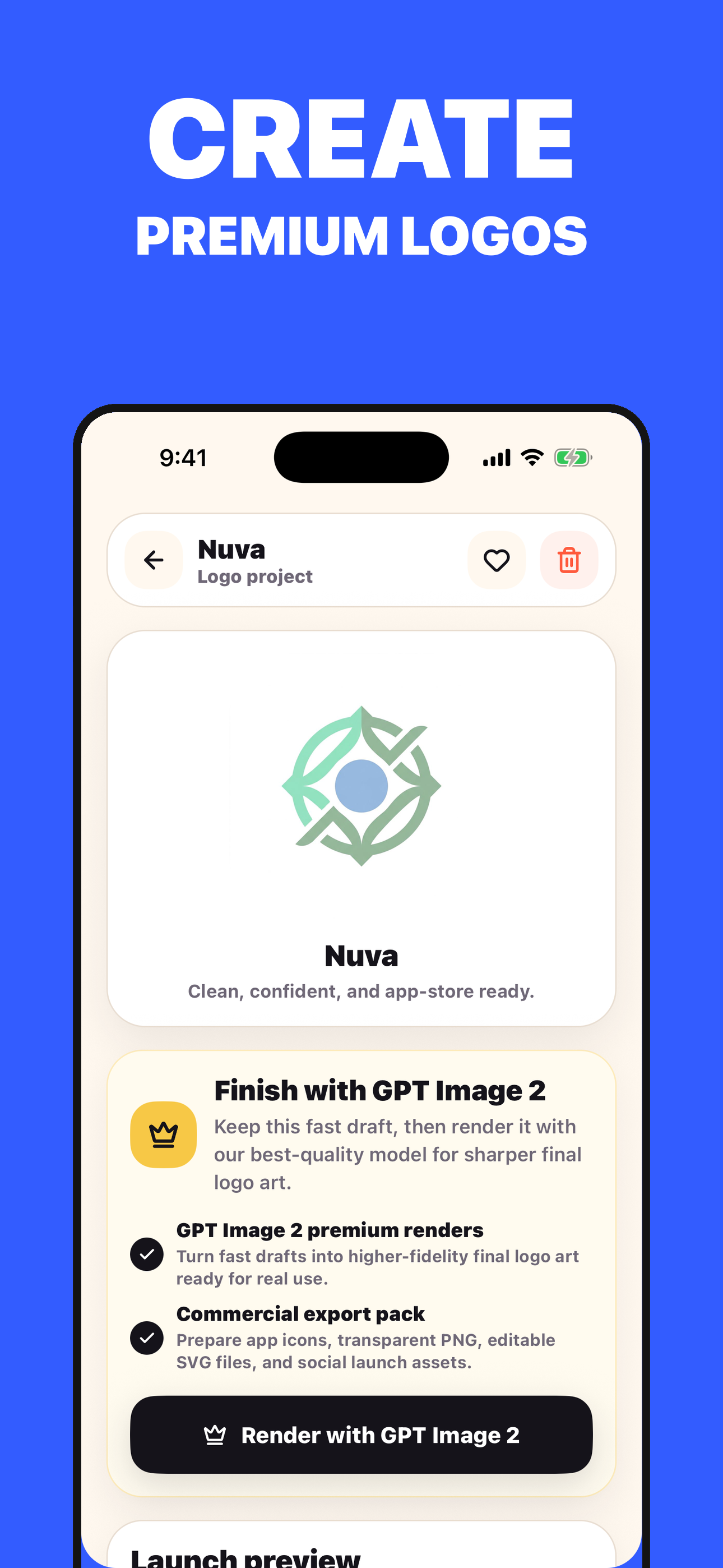
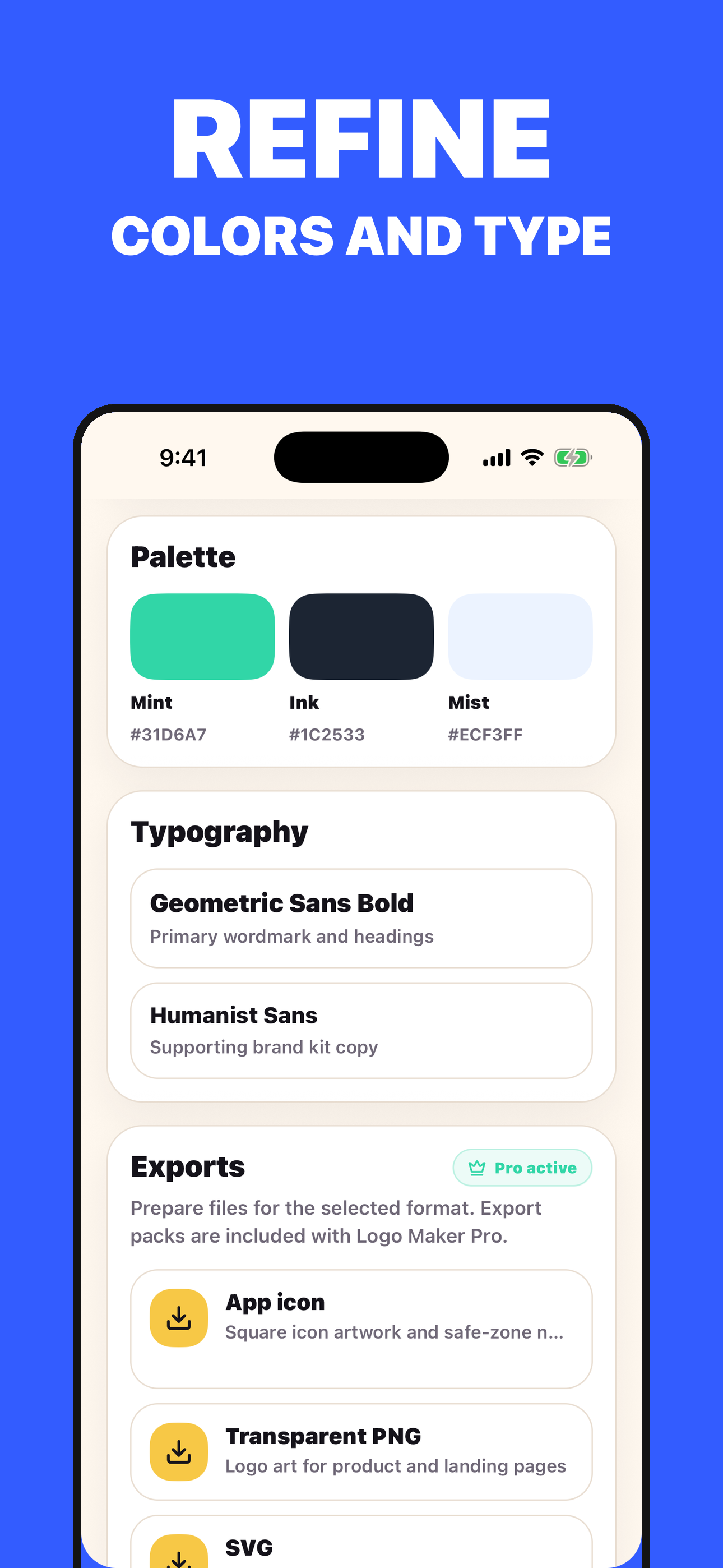
Criei supports this workflow: create a logo brief and generate logo drafts. It is designed around brand name, industry, style, colors, audience, and usage context, and its output should be reviewed against brand clarity, style consistency, contrast, legibility, and export needs.
Continue in Criei when you have brand name, industry, style, colors, audience, and usage context ready and want to save the result.
Before you download.
What is the practical takeaway from How to Turn a Vague Idea into a Professional Logo Brief Using AI?
For How to Turn a Vague Idea into a Professional Logo Brief Using AI, prepare brand name, industry, style, colors, audience, and usage context. Keep a clear decision boundary before acting on the result.
Which inputs make this article more useful?
Prepare brand name, industry, style, colors, audience, and usage context. Specific context makes the result easier to inspect and compare.
When does this workflow need outside confirmation?
Trademark checks and final brand ownership decisions need separate review. Seek the appropriate qualified source when the decision affects health, safety, money, or legal rights.
Practical checklist
Trust note
While AI logo makers are excellent for rapid ideation and conceptual drafts, they may require manual refinement for complex trademark requirements or high-end print production.